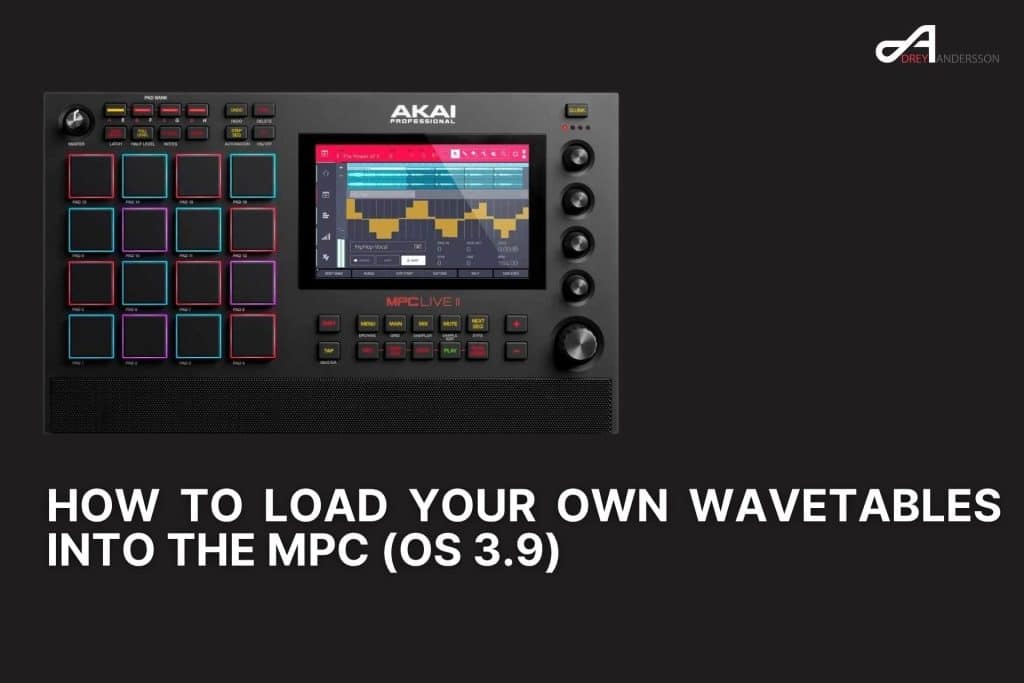
MPC OS 3.9 adds a wavetable oscillator to every standalone MPC, and it reads your own wavetables. You can import custom tables you build yourself and Serum wavetables converted to the MPC layout, then play them through the MPC filters, envelopes, LFOs and modulation matrix. This guide shows the exact folder structure, the format.json file the MPC needs, and how to load it all on the hardware.
It works on every standalone MPC and the Force, including the MPC Live II, MPC One, MPC X, MPC Key 61 and MPC Key 37. The update is free.
Sampling vs loading your own oscillators
Quick distinction so you are in the right place. Loading a sample in the classic sense means recording or importing audio into the sampler and assigning it to a pad or a keygroup. That has always been there. What is new in 3.9 is the oscillator engine, where your own WAV file becomes the raw waveform of a synth voice instead of a one-shot sample. This article is about the second one: getting your own sound sources into the oscillator.
There are two oscillator types built for this:
- Single Cycle: one short mono WAV used as a single waveform.
- Wavetable: a set of single cycles the MPC sweeps through with the Position control, the same idea as a Serum or Vital wavetable.
Step 0: Update and get the oscillator content
First, update the firmware. On the MPC go to Preferences, then Info, press Update, then choose Online Update with the unit connected to the internet.
Some oscillator types need an extra content download before they will sound. Go to Preferences, then Activations, and use Get Oscillator Content. Do this once and the factory oscillators and the User Wavetables category are ready to use.
How to import your own wavetables into the MPC
This is the part with strict rules. Get them right and your tables show up natively in the oscillator list. Get them wrong and the folder is ignored with no error message. Wavetables load from an external drive (SD card, USB drive, or the internal SATA SSD) using a fixed folder structure and a small text file that tells the MPC how to read each table.
Step 1: Build the folder structure
At the root of your drive, create this path:
<Drive>/Oscillators/Wavetables/[YourLibraryName]/
[YourLibraryName] is whatever you want the library called on the MPC. Inside that folder, place only your .wav files and one format.json file. No nested subfolders.
Step 2: Format the WAV files
Each WAV is one complete wavetable, with every single cycle written back to back in the same file. The requirements:
- Mono, one channel only.
- 16, 24 or 32-bit.
- Sample rate from 22,050 Hz to 96,000 Hz.
- Up to 512 files per folder.
The length matters. A WAV has to be exactly the samples per cycle multiplied by the number of cycles, with nothing left over. If the math does not land on a whole number of cycles, the file will not load.
Step 3: Write the format.json
Every wavetable folder needs a format.json next to the WAV files. It is a plain text file that defines the geometry for every table in that folder. Example:
{
    "formatInfo": {
        "numSamplesPerSingleCycle": 2048,
        "numSingleCycles": 256
    }
}
This tells the MPC each table is 256 cycles of 2,048 samples, so it expects WAV files exactly 524,288 samples long (2,048 x 256). The samples per cycle can run from 512 to 16,384, and the cycle count from 2 to 2,048.
One catch worth knowing: a single format.json governs the whole folder. Every WAV in that folder has to share the same geometry. If you have tables with different cycle counts, put them in separate library folders, each with its own format.json.
Step 4: Load them on the MPC
Connect the drive, then:
- Open Track Edit and tap the Samples/Oscs tab.
- Set the layer source to OSC.
- Open the oscillator source dropdown.
- Find your tables under User Wavetables, then
[YourLibraryName].
When you save a project that uses your custom wavetables, the MPC copies those assets into the project folder, so the project opens on any other MPC without the original drive.
How to import Serum wavetables into the MPC
Serum wavetables map onto the MPC format cleanly, because a Serum frame is the same thing the MPC calls a single cycle. Serum’s standard table is 256 frames of 2,048 samples, which fits the MPC natively, since the MPC allows up to 2,048 cycles and 512 to 16,384 samples per cycle.
Two things stand between a Serum wavetable and the MPC:
- Channel count. The MPC wants mono, one channel only. Convert the file if it is not already mono.
- The manifest. Serum has no format.json. You add one, with
numSamplesPerSingleCycleset to 2048 andnumSingleCyclesset to your frame count (256 for a standard table, or whatever the table actually holds).
Drop the converted WAV files and the format.json into a library folder under Oscillators/Wavetables/, and your Serum wavetables load exactly like factory content. If you are moving a whole Serum library across, group the tables by frame count, because each folder’s format.json only describes one geometry. A folder of 256-frame tables and a folder of trimmed 200-frame tables need separate manifests.
Why your wavetable will not load
Run through this list if a table does not appear or sounds wrong:
- The WAV length is not an exact multiple of the samples per cycle. Fix the length.
- The file is stereo. Convert it to mono.
- The sample rate is outside 22,050 to 96,000 Hz.
- The
format.jsonis missing, misnamed, or has the wrong numbers. The folder is skipped without it. - There are subfolders inside the library folder. Flatten it to WAV files plus
format.jsononly.
FAQ
Can the MPC load Serum wavetables? Yes. Convert the Serum wavetable to a mono WAV and add a format.json with the matching cycle count. A standard 256 frame Serum table fits the MPC directly, since the MPC supports up to 2,048 single cycles.
Does the MPC Live II support wavetables? Yes. OS 3.9 brings the wavetable oscillator to every standalone MPC and the Force, including the Live II, One, X, Key 61 and Key 37.
How many cycles can an MPC wavetable have? From 2 to 2,048 single cycles, with 512 to 16,384 samples per cycle.
Where do custom wavetables go on the drive? At the drive root, under Oscillators/Wavetables/[YourLibraryName]/, alongside a format.json.
Do I need to download anything first? Yes. Run Get Oscillator Content from Preferences, then Activations, so the wavetable oscillator and the User Wavetables category are available.
Factory wavetables are a fine starting point, but your own tables and your converted Serum wavetables are where the character comes from. Build the folder, get the format.json right, and the MPC treats them exactly like its own.