
Alpha 0.3.24Free download
Wavetable Synthesizer for MPC Standalone
Vitaleon is a free wavetable synthesizer that runs right on your Akai MPC, with no computer attached. It is based on Vital, the open-source wavetable synthesizer, and works as a plugin on the MPC with a touch interface I built for the MPC screen.
Import the Vital presets, banks and wavetables you already have, or start with the 32 factory sounds and 32 wavetables I made for it.
Free
Alpha release. This is an early build, tested on one MPC Live II so far. Expect bugs, missing features and changes between versions.
The download runs through my Payhip store. Vitaleon is free: pay nothing, or chip in if you want to support development. New builds are announced by email.
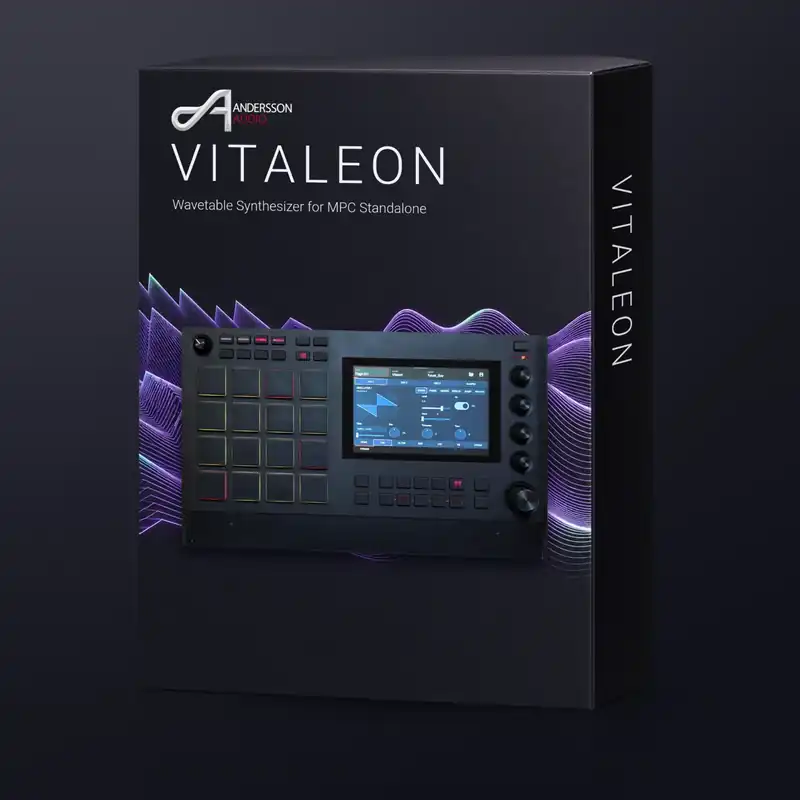
Vitaleon is based on Vital, the open-source wavetable synthesizer, and puts it on a plugin track of your MPC. The interface is laid out for the MPC touchscreen and the Q-Link knobs, not for a mouse.
Three oscillators with live waveform displays, a modulation matrix you can read at a glance, nine effects, and your own Vital presets and wavetables one import away.
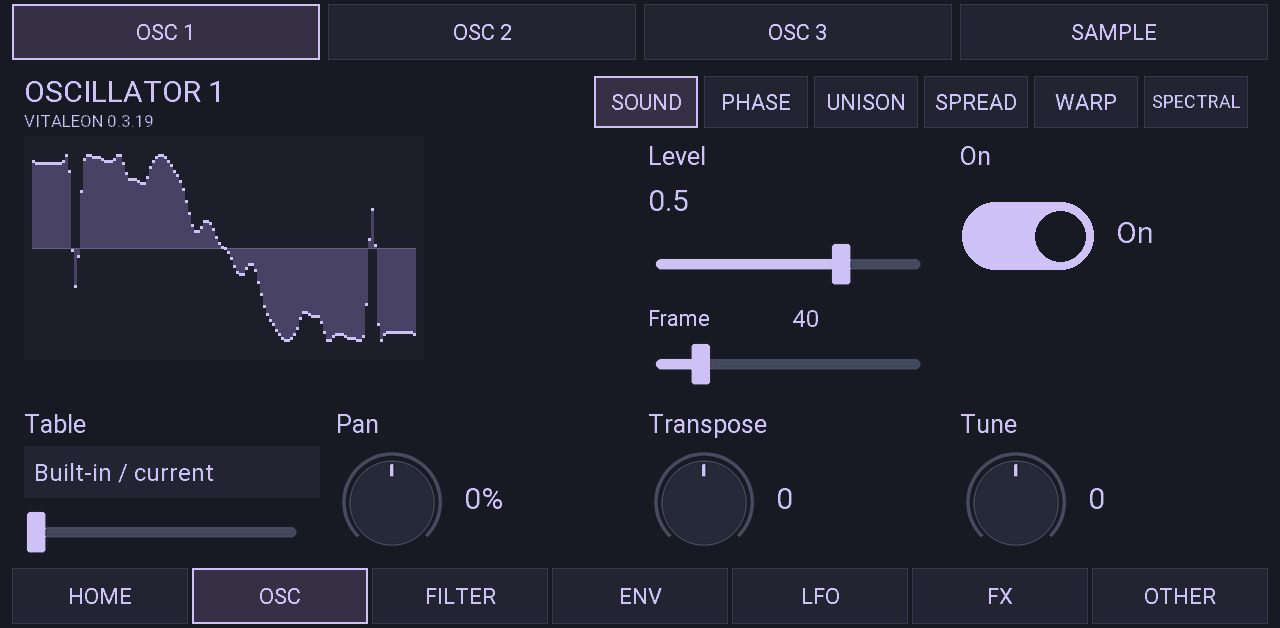
Interface: the oscillator page with its live waveform display.
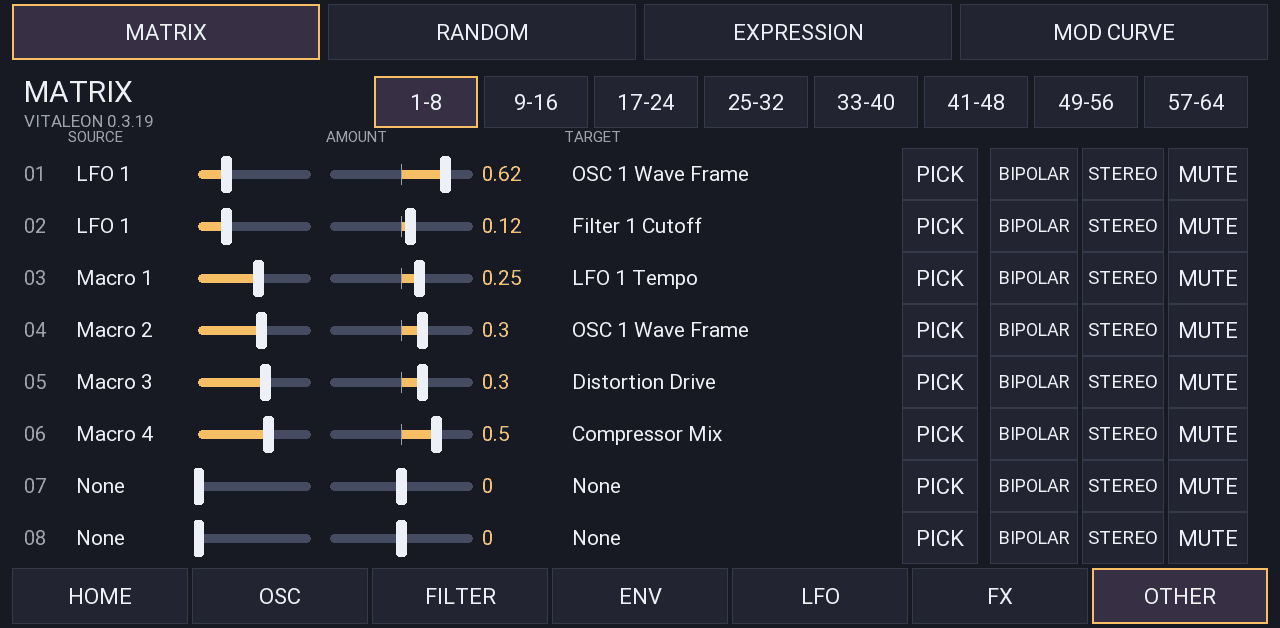
Interface: the modulation matrix, one row per route.
This is what Vitaleon 0.3.24 gives you to work with.
3oscillators
Each oscillator shows its waveform live while you play. Next to them sits a sampler that loads your WAV files.
64modulation routes
64 routes, laid out as a table: source, amount, target. Six envelopes, eight LFOs, four random sources and four macros to route from.
9effects
Distortion, chorus, flanger, phaser, delay, reverb, compressor, EQ and filter.
32factory sounds
The download comes with a factory bank I designed for Vitaleon: 32 sounds and 32 wavetables, ready to play.
2Filters
6Envelopes
8LFOs with live curve display
4Random sources
4Macros
Q-LinkKnob assignments on every page, plus tempo sync
Vitaleon imports the Vital files you already have: presets, banks, wavetables and LFO shapes.
FLAC and MP3 files are not supported. Vitaleon does not save .vital files: your sounds are saved with the MPC project. Imported sounds start with 1x oversampling and at most eight voices.
Is this Vital for the MPC? Vitaleon is based on Vital’s open-source code and imports Vital presets, but it is an independent project and not an official Vital release.
ALPHA: tested on one device so far.
Version 0.3.24 is an early build. Expect bugs, missing features and changes between versions. Feedback and bug reports are very welcome.
An MPC has little processing power for a synth of this size. Dense sounds with a lot of unison and long chords can overload the device.
Every imported sound loads with 1x oversampling and at most eight voices.
Andersson Audio - VST - Vitaleon into a folder named VST2 Plugins at the top level of a drive. I recommend the internal storage. A USB stick, SD card or SSD works too.Before you start: you need MPC OS 3.10.1 or later, with "Enable Enhancements" and "External Plugin Support" switched on under Preferences > Enhancements (Beta).
Free alpha download, with 32 factory sounds and 32 wavetables included.
Free
Vitaleon is based on Vital, the open-source wavetable synthesizer, and is licensed under the GNU General Public License, version 3 or later. The source code is on GitHub: github.com/Andersson-Audio/vitaleon.
The 32 factory wavetables and 32 factory sounds are my own work and are not covered by the GPL. You may use them with Vitaleon and in your own music, commercial releases included. Please do not redistribute them.
Vitaleon is an independent project by Andersson Audio. It is not affiliated with or endorsed by Vital Audio, and it is not an Akai Professional product. All trademarks belong to their respective owners.